How to Check Local SERP and Google Maps Rankings
Check Google Maps rankings from useful search points, separate map results from organic rankings, and build a repeatable local measurement plan.
In this guide
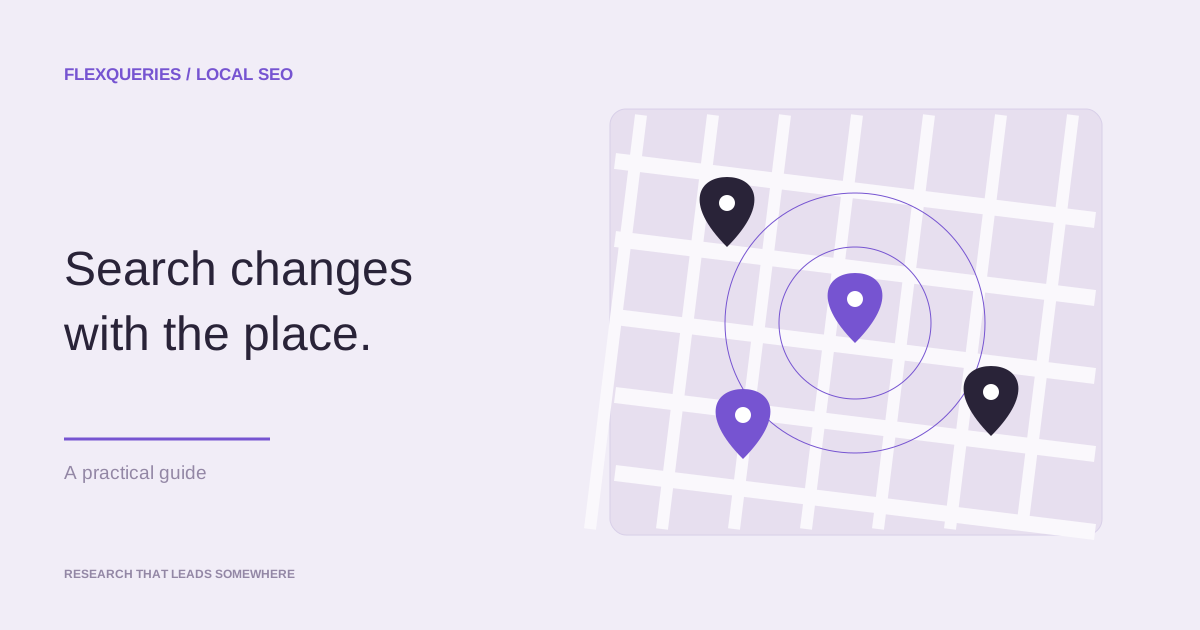
A business can rank well near its address and disappear a few miles away. A city-level organic result does not show that difference.
Local checks need a search phrase and a precise place. The local SERP checker accepts coordinates and carries your request into a FlexQueries account. Sign in to review the estimate before requesting paid search data; eligible new accounts can use their $1 starting balance.
Choose the search point before the keyword
Use a location that reflects a real customer search. For a storefront, start near the business and then check neighborhoods where customers live or work. For a service-area company, choose several points across the area rather than the city center alone.
Keep the coordinate format and zoom level consistent when you compare checks. Moving the search point can change the result even when nothing about the business changed.
Enter the phrase a customer would use. "Dentist" and "emergency dentist open now" express different needs. Brand searches measure whether people can find a known business. Non-brand searches show whether the business appears while a customer is still choosing.
Read the result as a local customer would
Record the position, business name, rating, review count, category, and address when the provider returns them. Confirm that the listing is the correct business, especially when names are similar.
A ranking result can expose listing problems:
- The wrong location or an old listing appears.
- The primary category does not match the service behind the query.
- A competitor with fewer reviews ranks because it is closer to the search point.
- The business appears for brand terms but not for the service terms that drive new customers.
The rank number does not prove why Google ordered the results. It gives you a repeatable observation to compare with listing changes, reviews, location, and the pages connected to the business.
Separate local maps from organic results
The map pack and the organic result set are different surfaces. A business may appear in one and not the other.
Use the Google SERP checker for the organic pages that rank below or around the local results. Check the keyword difficulty and search volume before investing in a location page. Volume estimates can be directional for narrow local phrases, so pair them with Search Console and lead data from the business.
Run the on-page SEO checker on the page that should rank for the location. Confirm that the page names the service and area, loads correctly, and links to the relevant business details. Avoid making dozens of near-identical city pages that add no local information.
Decide whether the query deserves tracking
A one-time check works for a sales call, quick diagnosis, or competitor review. Scheduled tracking is useful when someone will act on changes.
Repeat the search when the business is updating its listing, opening a location, publishing location pages, or reporting local performance to a client. A weekly observation can be enough for a routine review. A launch or incident may justify closer checks for a limited period.
In FlexQueries, coordinate-based Google Maps and Local Finder checks are on-demand research. The scheduled rank tracker measures organic Google results with country or city targeting. It does not schedule a Google Maps grid. For a Maps comparison, repeat the same coordinate checks and keep your own dated record; for a website's organic positions, configure the rank tracker.
Use the same coordinates, phrase, result type, and depth when comparing Maps observations. Otherwise the history mixes different searches and the trend becomes hard to interpret.
Build a small local comparison you can repeat
Imagine a dental practice deciding whether to improve a neighborhood service page. Start with one non-brand query, such as "emergency dentist," and three search points: near the practice, in a nearby residential area, and at the edge of its realistic catchment area. These are separate observations, not an average rank for the whole city.
Keep a record like this. The positions below are fictional examples, not live Google results.
| Search point | Maps position | Organic website position | Next investigation |
|---|---|---|---|
| Near the practice | 2 | 11 | Is the right service page ranking? |
| Residential area | 6 | 12 | Which nearby practices appear ahead? |
| Catchment boundary | Outside checked range | 14 | Is this area a realistic customer market? |
The first row suggests different levels of visibility in Maps and organic search. It does not establish that the service page is responsible for the Maps position. Review both surfaces before choosing a fix.
For each observation, save the coordinates, zoom, query, date, checked depth, and business listing identity. If a business is missing, write "outside the checked range" instead of assigning it the next position. A check of 20 results cannot establish that a listing ranks 21st.
Prioritize changes you can substantiate
Google describes local ranking in terms of relevance, distance, and prominence. Complete, accurate business information can help Google understand the listing, but a business cannot edit its way closer to every searcher.
Separate factual maintenance from ranking experiments. Correct a wrong address, phone number, opening time, or service category because customers need accurate information. Do not change a correct address or stuff extra keywords into the business name to chase a position.
Then choose one improvement with a clear purpose. A service page might need actual emergency hours, the areas served, booking instructions, and evidence that the practice provides that service. Record when the change went live. Check the same points later and compare calls or bookings where measurement is available.
A movement across a few checks is a reason to investigate, not proof of cause. Competitors, opening hours, result layouts, and Google's systems can change during the same period. Keep the observation useful by documenting what changed on your side and what remains unknown.
Keep business outcomes beside the ranking
Local visibility is useful when it produces calls, bookings, directions, or visits. Record those outcomes next to the rank history when the business can measure them.
Search Console can show queries and clicks to the site, while the Google Business Profile performance view covers interactions with the listing. Use FlexQueries for the supported search observations, and keep the business's lead and revenue data beside them.
Start with a few terms that map to valuable services. Check representative points. Expand the tracking set only when someone uses the history to make a decision.
Try the workflow with your own site, then use the results to decide what deserves your attention.
Explore the SEO tools