Site Audit
SEO audit tool for finding technical issues fast
Crawl a site, collect page-level technical signals, and optionally run Lighthouse checks for performance, SEO, accessibility, and best-practice issues.
- Crawled URLs
- Page fields
- Affected pages
A closer look
Turn a crawl into a clear fix list
An audit should show both the problem and the pages behind it. FlexQueries brings crawl coverage, grouped issues, technical signals, and optional performance checks into a report you can use to prioritize the next round of work.
Set the scope before the crawl starts
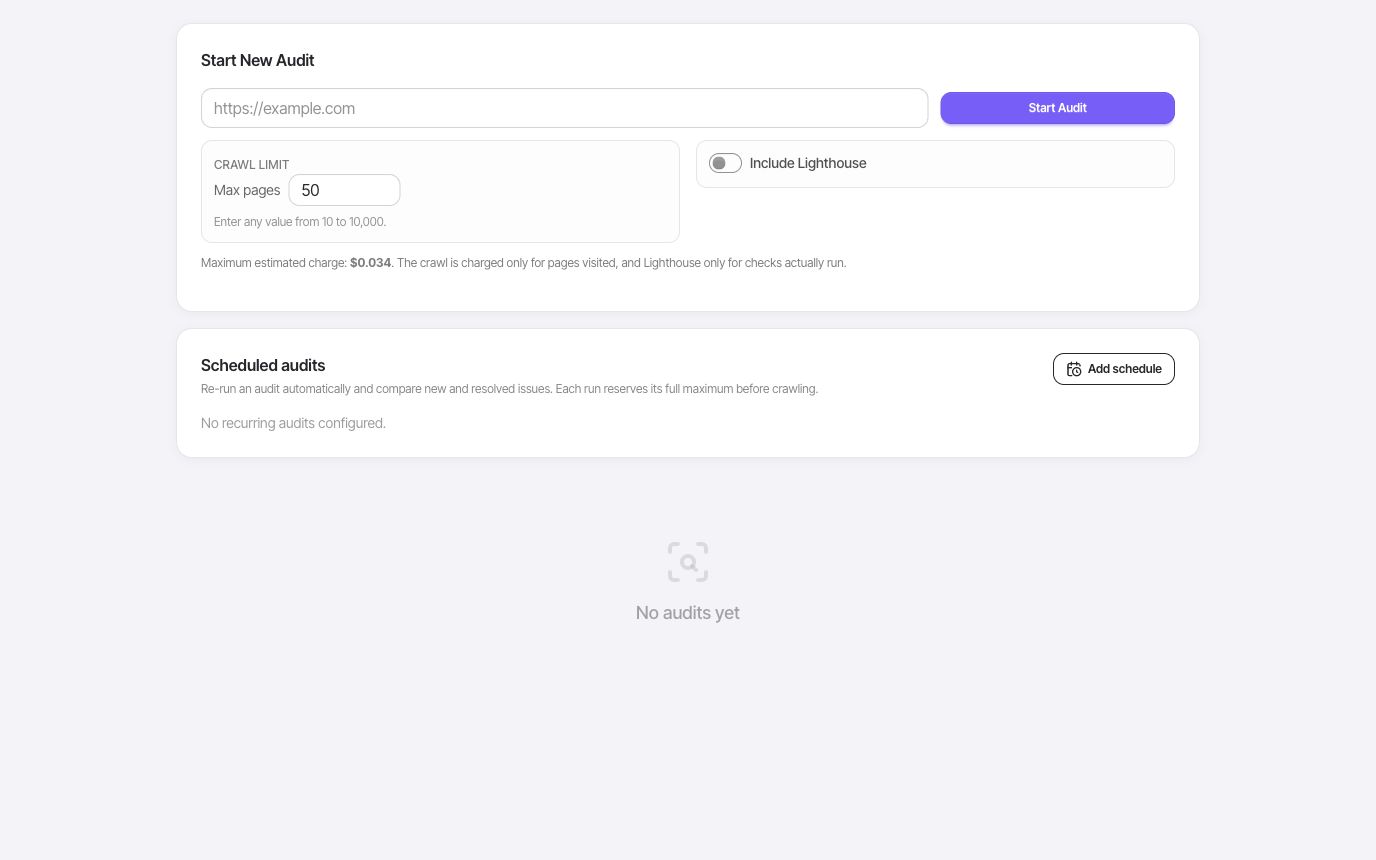
Choose the maximum pages for the audit and decide whether to include Lighthouse checks. The launch form shows a cost estimate for that scope before you start. Eligible free accounts can audit up to 50 pages per run; paid accounts can choose up to 10,000. A page limit is a crawl ceiling, so the report also shows how many pages were actually reached.
- Configurable page limit
- Cost estimate
- Optional Lighthouse sample
Prioritize recurring problems across pages
Start with site health and the priority queue, then inspect issue groups by severity and affected pages. Review response codes, titles, descriptions, headings, canonicals, internal links, and other crawl findings in context. Grouping repeated issues helps you spot a template problem that could affect many URLs before spending time on a one-page cleanup.
- Severity and affected pages
- Recommended fixes
- Page inventory
Check discovery, access, and performance
Review sitemap coverage, indexability, structured data, and robots.txt access for supported search and AI crawlers. Add Lighthouse sampling when you need performance, accessibility, best-practice, and SEO signals for selected pages. Export the report to share findings, and compare audit history when checking whether a release improved the issues you were working on.
- Sitemap and canonical coverage
- AI crawler access
- Report export and history
Put it to work
Check a site after a template release
Run a crawl that covers the updated section. Check whether missing titles, broken pages, or canonical issues recur across the same template, then inspect individual affected URLs. After the fix ships, run another audit and compare the findings. Use Lighthouse samples to investigate key pages separately from the site-wide crawl.
A crawl reports the pages it can reach within your chosen limit. Lighthouse is a sample, and robots.txt access does not prove that Google has indexed a page or that an AI answer will cite it.
One connected workflow
Your site audit workflow
Start with a focused question, inspect the evidence, and keep the useful work in your project.
- 01
Run a site crawl
Inspect pages for status codes, titles, meta descriptions, headings, indexability signals, image alt coverage, links, response time, and optional Lighthouse findings.
- 02
Prioritize issues
Review crawled pages and optional Lighthouse results so the team can focus on visible page and performance problems.
- 03
Drill into affected URLs
Move into URLs with missing titles, metadata, heading and image-alt signals, status-code issues, response-time data, or optional Lighthouse findings.
Use cases
- Audit a new site before publishing SEO work.
- Find technical issues after a migration or redesign.
- Export crawled page data and Lighthouse findings for developers and content teams.
Why FlexQueries
- A practical crawler built into the same workspace as keyword and domain research.
- Audit results connect directly to the same workspace as keyword and domain research.
- Simple reports that expose page-level signals and optional Lighthouse findings instead of relying only on a generic score.
Keep the research moving
FAQ
A few useful answers
What does the FlexQueries site audit tool check?
FlexQueries crawls pages, shows page-level technical signals, and can attach Lighthouse issue details when Lighthouse is enabled.
Is FlexQueries a free SEO audit tool?
FlexQueries is a paid managed service. Site Audit is included in the product, with usage determined by the crawl and optional Lighthouse work you run.
Who should use FlexQueries Site Audit?
It is useful for founders, marketers, agencies, and developers who need a shared crawl report and optional Lighthouse issue export.
Pay as you go
Do the research. Pay for the work you run.
Create an account with no card, use the included balance, and add funds whenever you need more.